TOTP Authenticator pomaga zaščititi združljive račune z drugim dejavnikom in prikaže življenjsko dobo vsake kode.
QR koda in ročna nastavitev
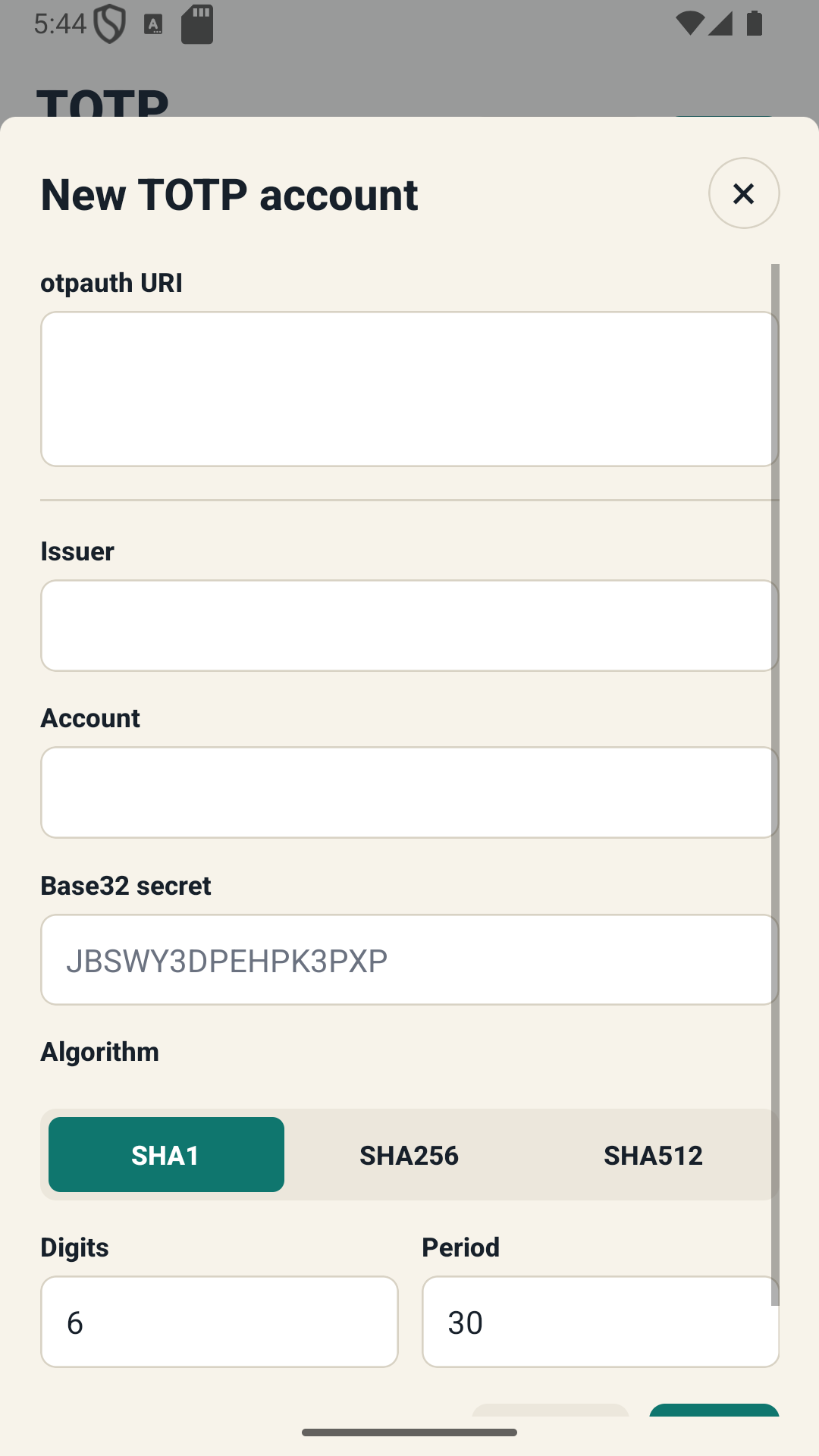
Dodajte združljive račune TOTP tako, da skenirate kodo QR ali vnesete skrivnost.
Enkratne kode v živo
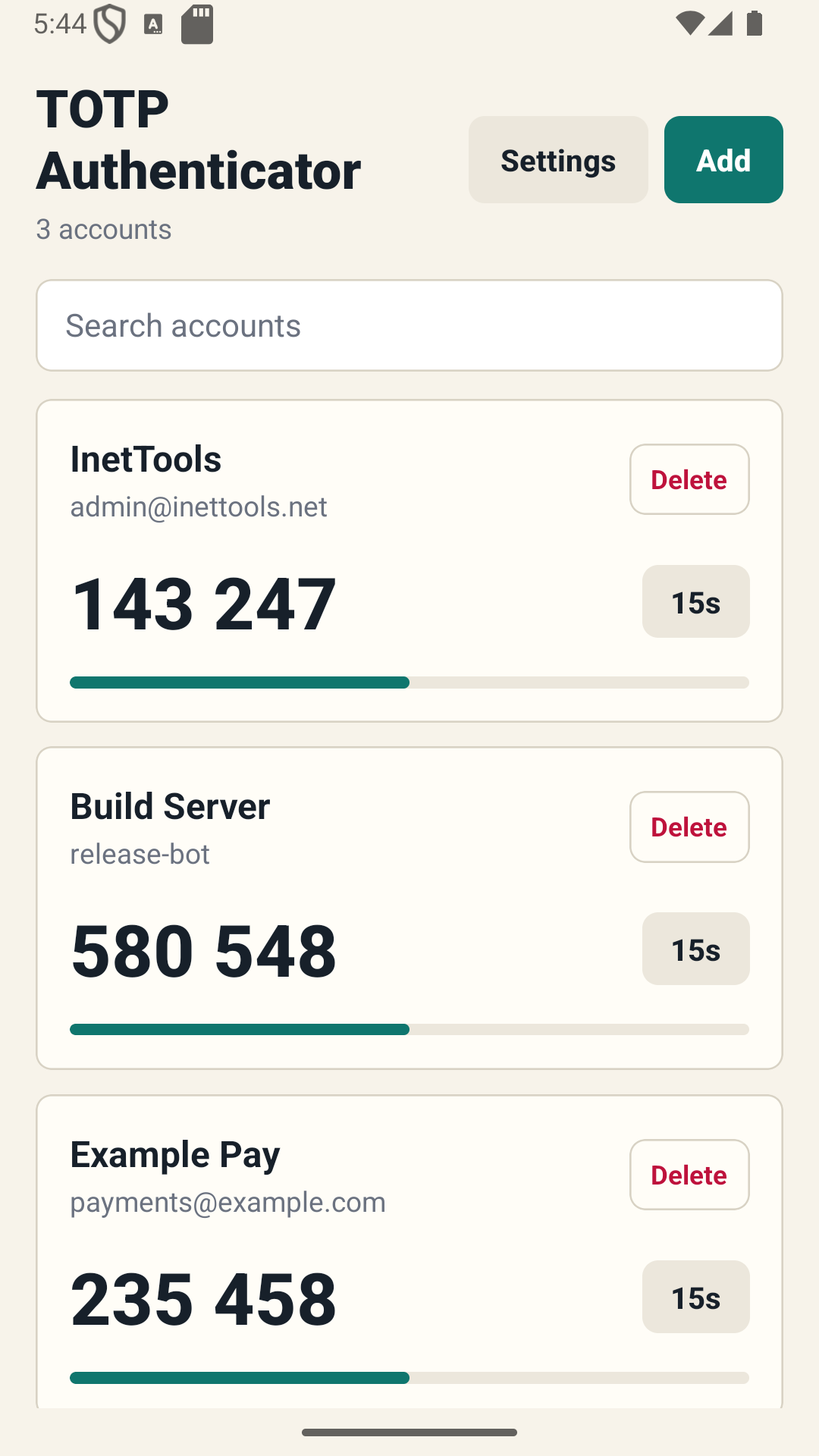
Oglejte si trenutno kodo in preostali čas, preden se osveži.
Lokalna shramba
Podatki programa Authenticator ostanejo v napravi brez zahtevanega računa v oblaku.
Teme in nastavitve
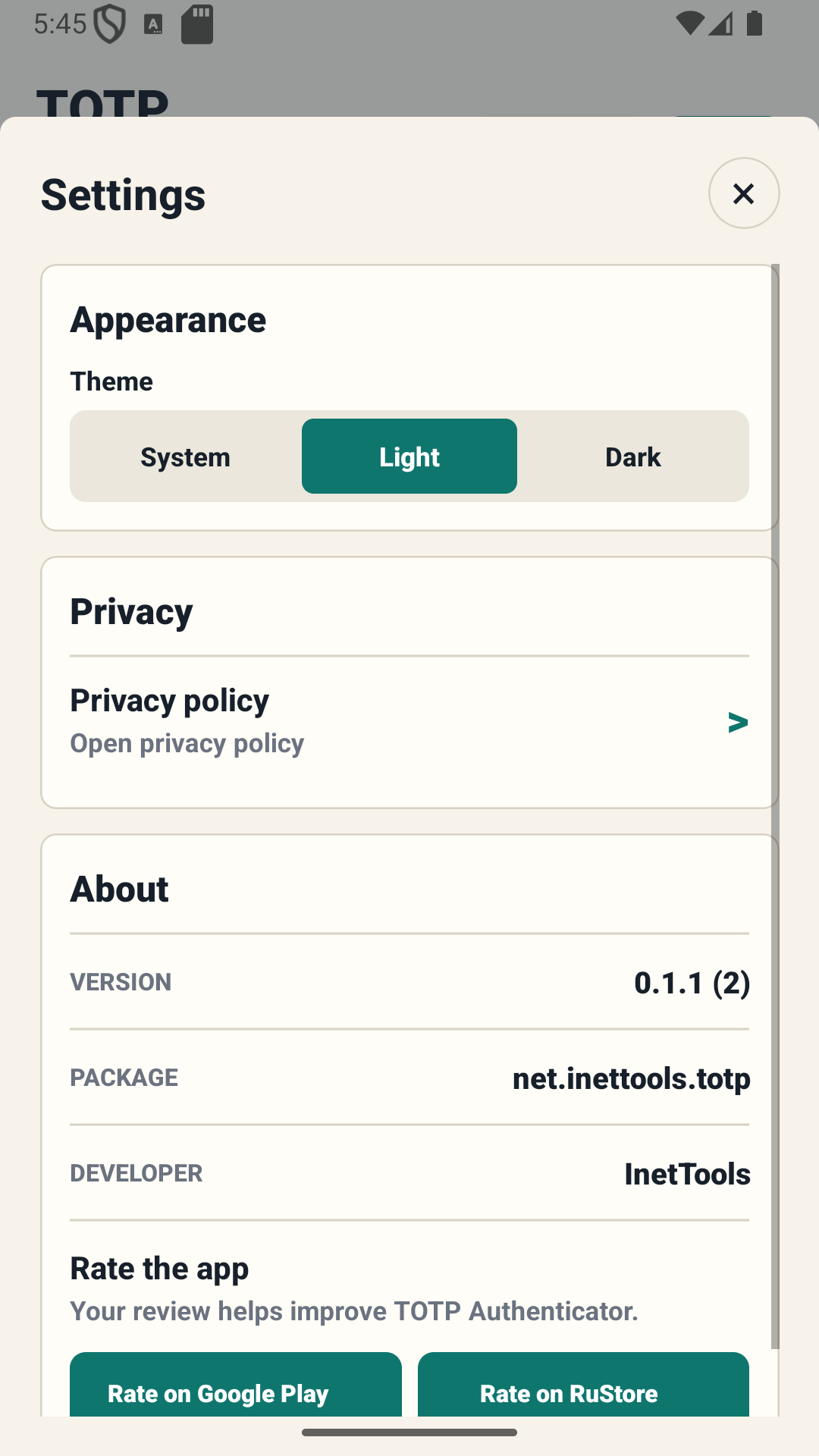
Prilagodite videz in vedenje aplikacije.
Vmesnik
Posnetki zaslona aplikacije
Kode računa, nastavitev računa in nastavitve aplikacije.
KodeDodaj računnastavitve
Pomembno
Skrivni ključi potrebujejo zaščito
Nikoli ne delite kod QR, skrivnih ključev ali varnostnih kopij. Če izgubite napravo brez obnovitvenih kod ali varnostne kopije, lahko izgubite dostop do računov.
Preden omogočite 2FA
Shranite kode za obnovitev storitve in pred dokončanjem namestitve preverite ustvarjeno kodo TOTP.